
How do backups and world saves work for a Project Zomboid server?
Last reviewed July 2026
Project Zomboid stores its world and player data in a different location than you might expect if you have looked at a home install before: your server runs with a custom cache directory, so its save data sits under a .cache folder in your server root rather than directly alongside your other server files. Because of this, hunting through File Manager for the raw save files is more error-prone than it needs to be.
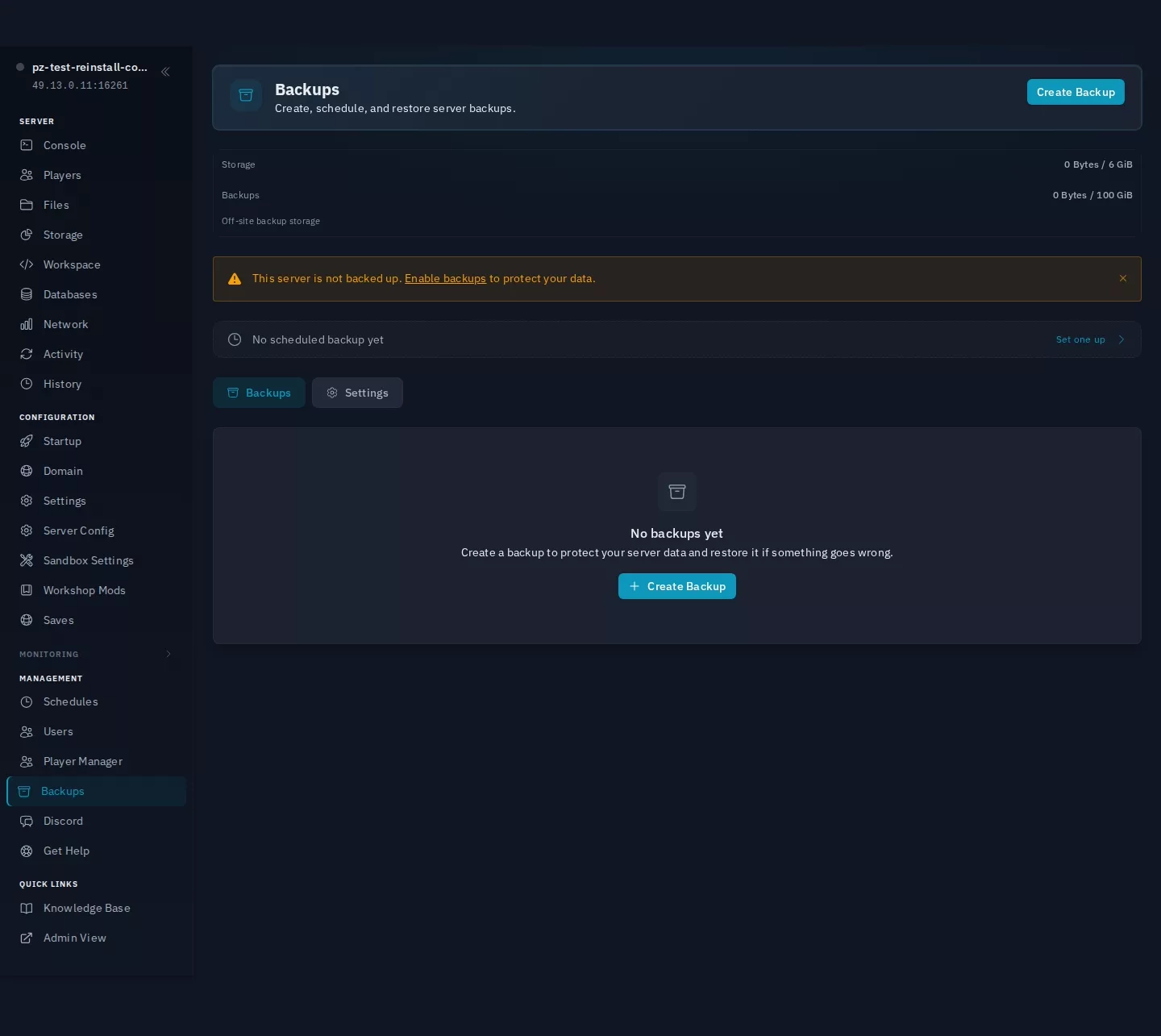
Use the Backups page in your server's sidebar instead. It captures your full server state, including world data, in one step, without you needing to know exactly where every file lives. Create a manual backup before anything risky: reinstalling, wiping the map, or making bulk mod changes. Some server settings can reset to their defaults after a reinstall, so a fresh backup protects your world even if something else about the reinstall does not go as expected.
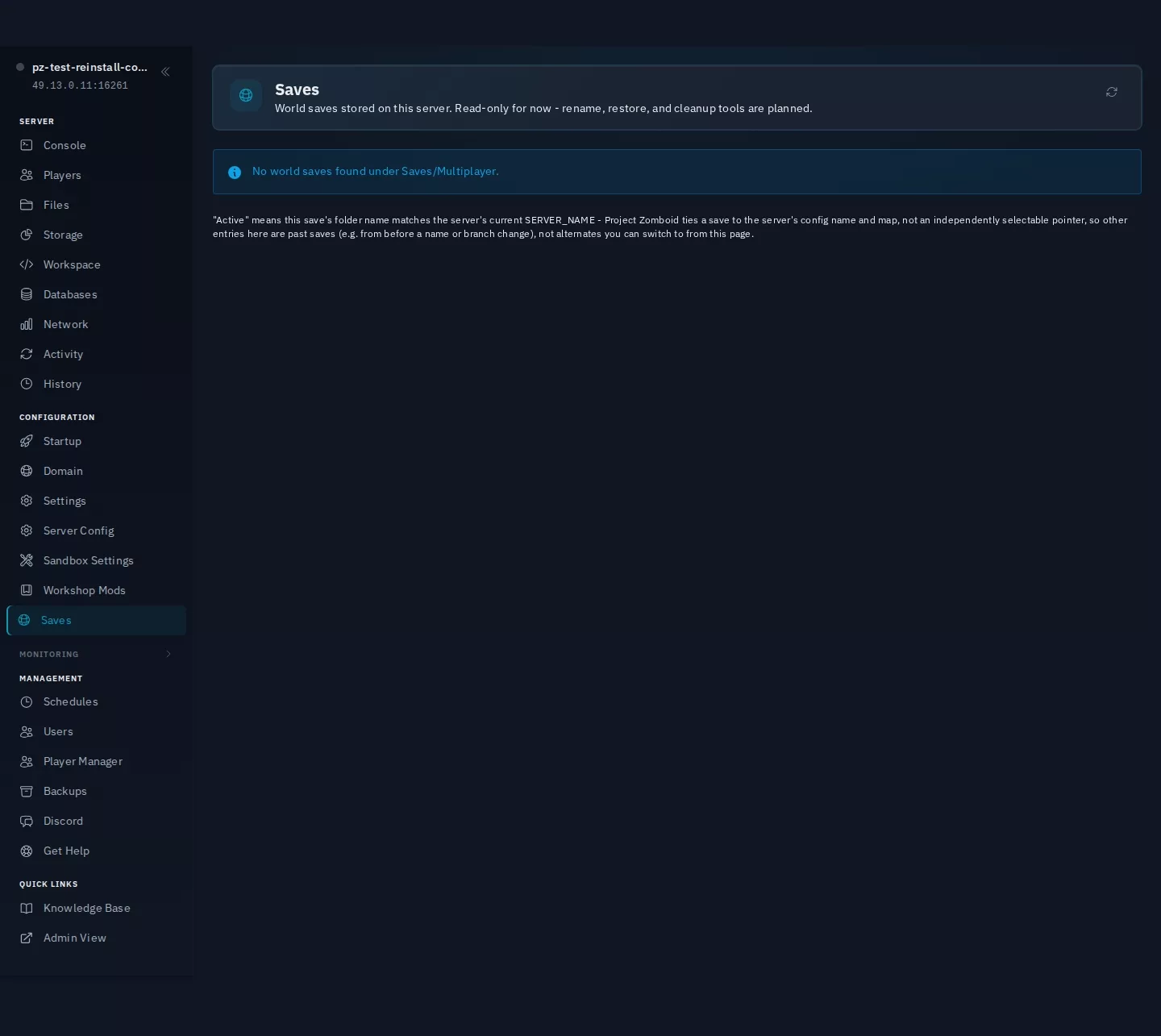
If you just want to check what world saves currently exist on your server without digging through File Manager, the Saves page in the sidebar lists them for you, with when each one was last touched. It is read-only for now (no rename or delete from that page yet), but it is the quickest way to confirm a save is actually there before you rely on it.
When restoring a backup, you do not have to restore everything: the restore screen has a "Restore specific files instead" option that lets you pick just the world/map or just player data (or hand-pick individual files) and leaves the rest of the server untouched. This is safer than a full restore when you only need to roll back one thing, since it cannot undo unrelated changes you have made since the backup was taken.
If a backup ever shows a "Database corrupted" warning, that means one of its database files failed an integrity check when it was created; the backup itself still exists, but restoring it will bring that corruption back too, so treat it as a fallback rather than your first choice if you have a more recent, non-flagged backup available.
Player character data is stored separately from map/world data. If you want to wipe the map while keeping everyone's characters, or the other way round, see the map wipe guide rather than deleting files by hand; deleting the wrong folder from a custom cache path is easy to get wrong.
Schedule regular automatic backups from the Backups page rather than relying on manual ones alone. If you ever need to move your world to a different server or restore an older version, restoring from the Backups page keeps the file layout consistent, which manually copying files out of a .cache directory does not guarantee.
Want to try this on a real server?
Everything described here is available on the trial too, on the same hardware and the same panel as the paid plans. Try it free for 24-hour, no credit card required.
Didn't fix it? Ask in Discord.
Ask in our Discord - we help with hosting questions whether or not you host with us.
Related articles
- How do I create, restore, and schedule backups?
Panel Features
- How do I run a map wipe on Project Zomboid?
Game Setup Guides
- How do I use the File Manager?
Panel Features