

Minecraft Hosting
EU hosted. Full panel access.
Minecraft server hosting.Paper, Forge, Fabric, Vanilla.
UK and EU servers. Plugin Manager, Mod Manager, World Manager, JAR switcher, and a setup wizard built around how Minecraft servers actually work. Starts with a free trial.
What the panel gives you
Plugin Manager
Install plugins directly from GitHub without leaving the panel. No manual .jar uploads, no FTP. Search, install, update.
Mod Manager
Search Modrinth for Fabric and Forge mods. Dependencies are downloaded automatically. Restart the server to activate.
World Manager
Create, rename, and delete worlds from the panel. Import world seeds, manage world borders, no console required.
Player Maintenance
Set a player's health and hunger, heal, feed, or kick them, and give items or a kit, all from the panel. Manage bans, whitelist, and operator permissions too.
JAR & Version Switcher
Switch between Paper, Spigot, Fabric, Forge, and Vanilla, and change Minecraft version, without reinstalling the server from scratch.
Console
Tab-complete Minecraft commands as you type, with ranked suggestions. No need to remember exact syntax for gamemode, give, tp, or ban.
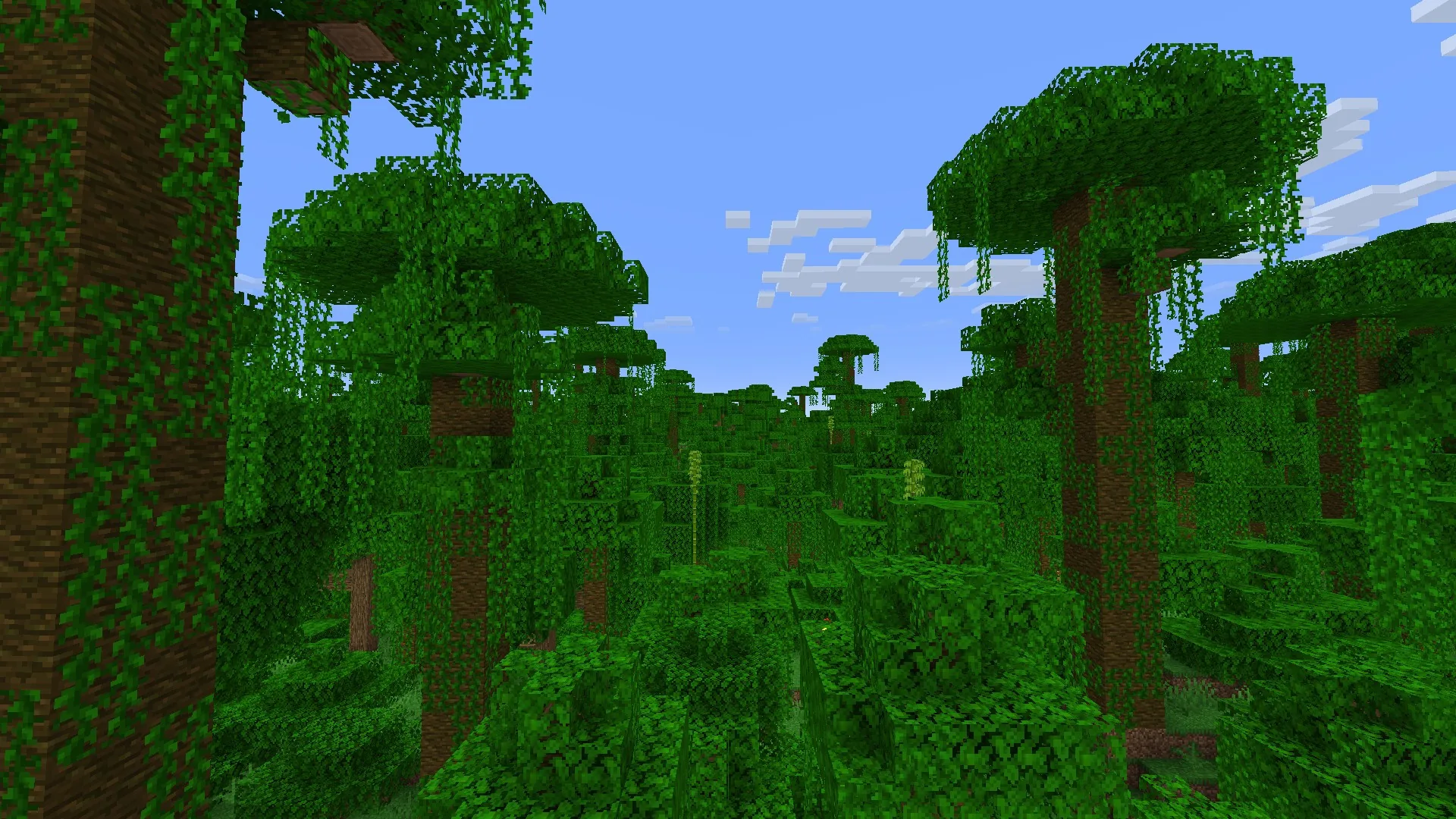
Screenshots from Minecraft Wiki, CC BY-NC-SA 3.0. Not an official Minecraft product; not approved by or associated with Mojang or Microsoft.
Server types
Pick the right build for your server.
The standard choice for plugin-based servers. Paper is a drop-in replacement for Vanilla with significant performance improvements and a clean plugin API. If you want plugins, start here.
Lightweight mod loader focused on performance and clean APIs. Used for technical Minecraft and vanilla+ modding.
The long-standing loader for large modpacks. If you are running a kitchen-sink pack from CurseForge, you want Forge.
Run Bukkit plugins alongside Forge or Fabric mods on the same server. Use WorldEdit, EssentialsX, and LuckPerms on a fully modded server without compromise.
Predecessor to Paper. Still has a large plugin ecosystem. If a plugin is Spigot-only and unavailable for Paper, Spigot is your fallback.
The official Mojang server, unmodified. Good for private SMP worlds where you want the exact vanilla experience without anything on top.
Quick Start
Running in under 4 seconds.
A Paper 1.21 server is ready in a few clicks. The setup wizard picks sensible defaults so you are not editing config files before you have even seen the server list.
- Choose server type: Paper, Fabric, Forge, or Vanilla
- Set gamemode, difficulty, max players
- Install a recommended plugin bundle (optional)
- Start the server from the panel
Up to 8 GB self-serve, 16 GB on request for any Minecraft server.
Most of our servers run on Hetzner hardware in Germany, and we also have a real UK node live in London. Whether you are running a small vanilla SMP or a heavily modded Forge server, there is a plan that fits without paying for headroom you do not need.
View plans and pricing- UK and EU serversGermany and London
- Live uptime statusPublished at /status
- 14 days money-backNo questions asked
- Up to 8 GB self-serve16 GB available on request
Plugin Manager
Install plugins from
the panel. No FTP.
Search by name, click install. The panel downloads the JAR and drops it in /plugins/ automatically. Remove or update from the same view.
- EssentialsX, WorldEdit, LuckPerms, and any plugin
- Real-time download and install progress
- Remove plugins without touching FTP
- Works with Paper, Spigot, and Arclight

Essential commands and features for Spigot/Paper servers.

In-game map editor for Minecraft. Build, copy, move terrain.

Advanced permissions plugin for Minecraft servers.
Mod Manager
Search Modrinth.
Install. Dependencies handled.
Pick a loader (Fabric or Forge), enter a mod name, and set an MC version if needed. Install a mod and any missing dependencies download automatically.
- Loader: Fabric or Forge
- MC version filter (optional)
- Dependencies downloaded automatically on install
- Installed tab lists every JAR with file size

Modern rendering engine. Massive client FPS improvement.
General-purpose server optimization. No gameplay changes.

Core library required by most Fabric mods.

Mechanical contraptions, automation, and aesthetic technology.

Shader support for Fabric. Compatible with most OptiFine shaders.
JAR & Version Switcher
Change your mind later.
No reinstall needed.
Started on Vanilla and want Paper for plugins? Outgrew Fabric and need Forge for a bigger modpack? Pick a new server type and Minecraft version from the panel, the switch happens in place.
- Paper, Spigot, Fabric, Forge, or Vanilla
- Version picker per server type
- World and player data carry over
- No FTP, no manual JAR replacement
World Manager
Create, switch, and
delete worlds from the panel.
Run a creative build world alongside your main survival world. See every world's size at a glance, and remove ones you no longer need without touching a config file.
- List every world with type and file size
- Create a new world in a couple of clicks
- Delete worlds you no longer need
- Overworld, Nether, and The End tracked separately
World Import
Bring your existing world.
Upload and go.
Migrating from another host or your own PC? Upload your world folder as a .zip, the panel checks it and drops it in as a new world. No manual FTP transfer.
- Upload a .zip of your existing world
- Automatic structure check before import
- Progress shown step by step
- Works alongside your existing worlds
Config Editor
server.properties,
without the text file.
Gamemode, difficulty, max players, PvP, spawn protection radius, all as panel toggles and fields. Save and the server picks up the change on next restart.
- Gamemode and difficulty as dropdowns
- Max players and spawn protection as fields
- PvP on/off toggle
- No manual server.properties editing
Player Maintenance
See a player's stats.
Change them in one click.
Open any online player from the panel to see their health, hunger, and full inventory. Heal, feed, or remove them, hand out a kit, or give items directly, all without a console command.
- Live health and hunger bars for every online player
- Heal, feed, or kill in one click
- Give items or hand out a preset kit tier
- Kick straight from the same screen
Player Management
See who's online.
Kick or ban in one click.
A live list of who's on your server, with ping. Switch to the banned tab to see and manage your ban list. No console command needed for either.
- Online player list with live ping
- Kick or ban from the same screen
- Separate tab for the current ban list
- Operator status shown per player


Console
Start typing.
Tab to finish the command.
The console knows Minecraft commands. Type the start of one, hit Tab, and pick from a ranked list of matches, no need to remember exact syntax.
- Tab-complete gamemode, give, tp, kick, ban, and more
- Ranked suggestions as you type, recent commands first
- Arrow keys to cycle, Enter to run
- Forgives a missing or extra leading slash
Server performance,
at a glance.
Real-time TPS tracking with lag spike detection. Know when your server is struggling before players complain.
Pricing
Plans from £5/mo.
UK and EU servers. No credit card needed to start. Every plan begins with a 24-hour free trial.
Vanilla or lightly modded server for a group of friends.
Get StarterSmall modpacks and a growing community. Most popular.
Get StandardA larger modpack or a bigger group before Pro-level headroom.
Get PlusUp to 8 GB self-serve, 16 GB available on request. See all plans and pricing
These are the Minecraft-specific tools. The panel also includes a file manager, scheduled backups, subusers, and databases.
Pricing
All features at every tier.
Every panel feature is included regardless of which plan you are on. We charge for server resources, not for access to tools.
Free Trial
Free
2 GB RAM · 24 hours
Starter
£5/mo
2 GB RAM · 40 GB storage
Standard
£9/mo
4 GB RAM · 60 GB storage
Pro
£17/mo
8 GB RAM · 120 GB storage
Free trial. No credit card required.
Get StartedThere's no ticket queue. You'll hear back from someone who built the thing.